ENS — how to register and renew a .eth name
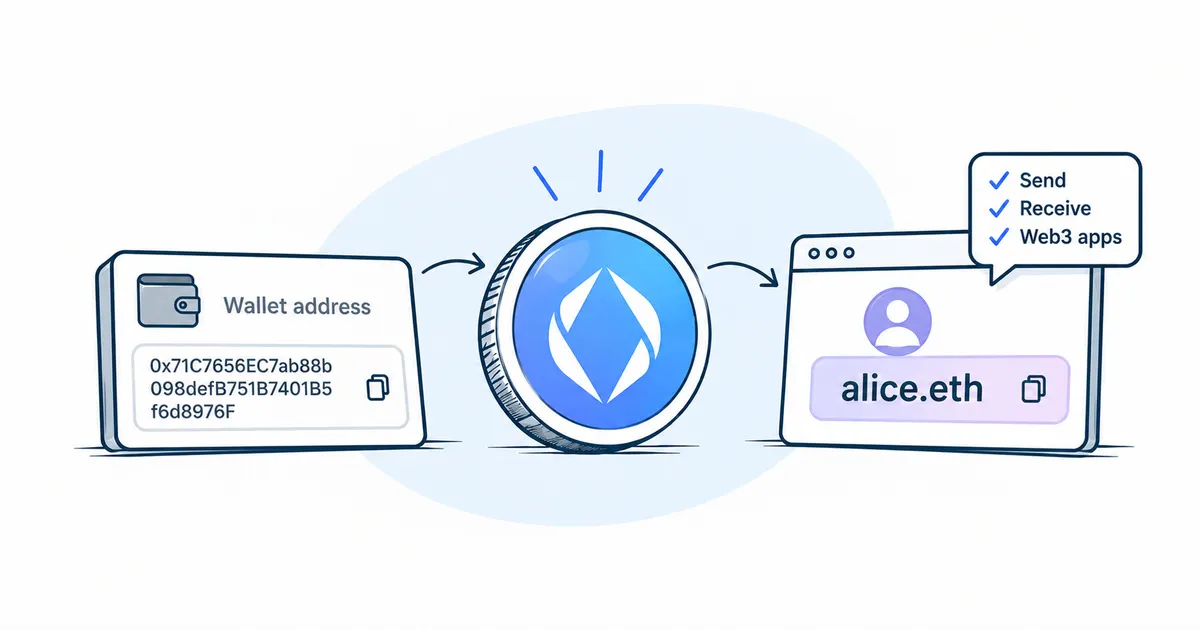
An ENS name is a short name such as alice.eth that you can give a sender instead of a long wallet address, like a username instead of a card number. You register one in the ENS app. You connect your own crypto wallet, find a free name, choose a term and pay for the registration with the stablecoin USDC, a digital dollar on a blockchain, plus the network fee. A name is given for a set term. Once the term ends, the name stops working, so renew it in advance.
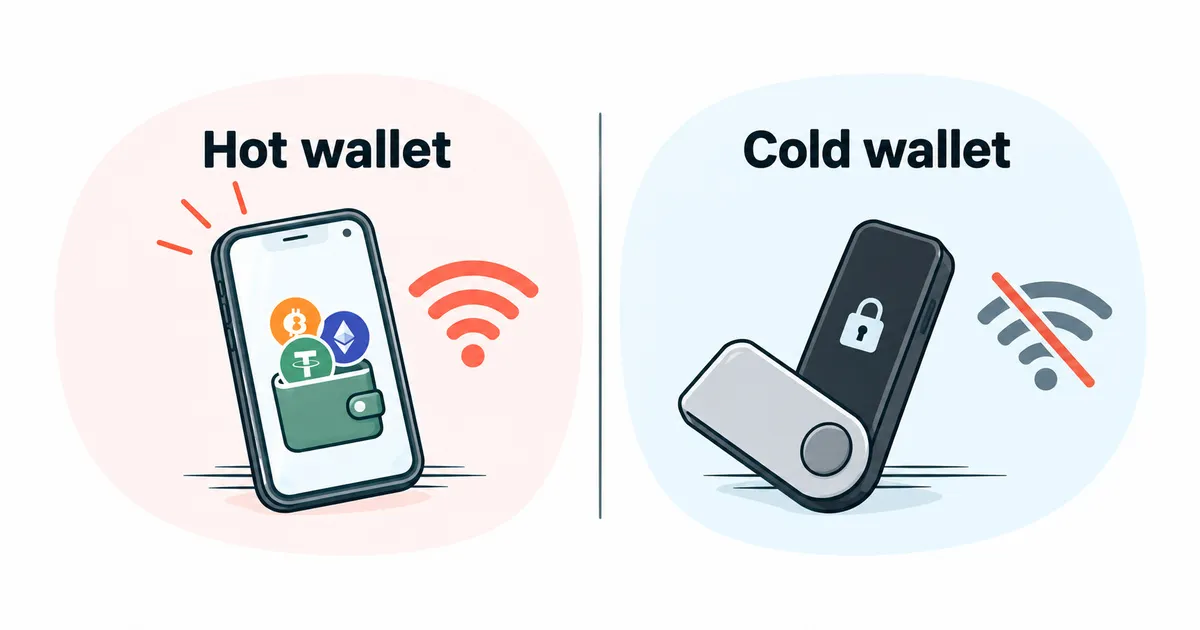
- Your own crypto wallet for the Ethereum network, with the keys held by you. The article hot vs cold crypto wallet explains how such wallets differ.
- The stablecoin USDC to pay with, on the Ethereum network or on another network the ENS app offers1. The USDC profile explains what USDC is. Check the app itself for the tokens and networks it accepts right now.where to check: the ENS app, payment screen
- The network coin to pay the fee, that is, the network's own crypto; on Ethereum this is ETH, with more in the article what is gas.
How to register a .eth name step by step
Since 27.10.2026, ENS has run on the new version, ENSv2, and new names are registered only there23.
- Open the ENS app at the address given on the official website where to check: ens.domains and connect your wallet.
- Find a name and make sure it is free. The yearly price depends on the length of the name, and names of three and four characters cost more than the rest4. The app shows the price of the chosen name before you pay. where to check: ens.domains
- Choose the registration term, as a number of years or an end date5. If you take the name for several years at once, each year comes out cheaper4.
- If you like, make the name the primary one for your address right away and fill in the profile5. The ENS profile explains what a primary name gives you.
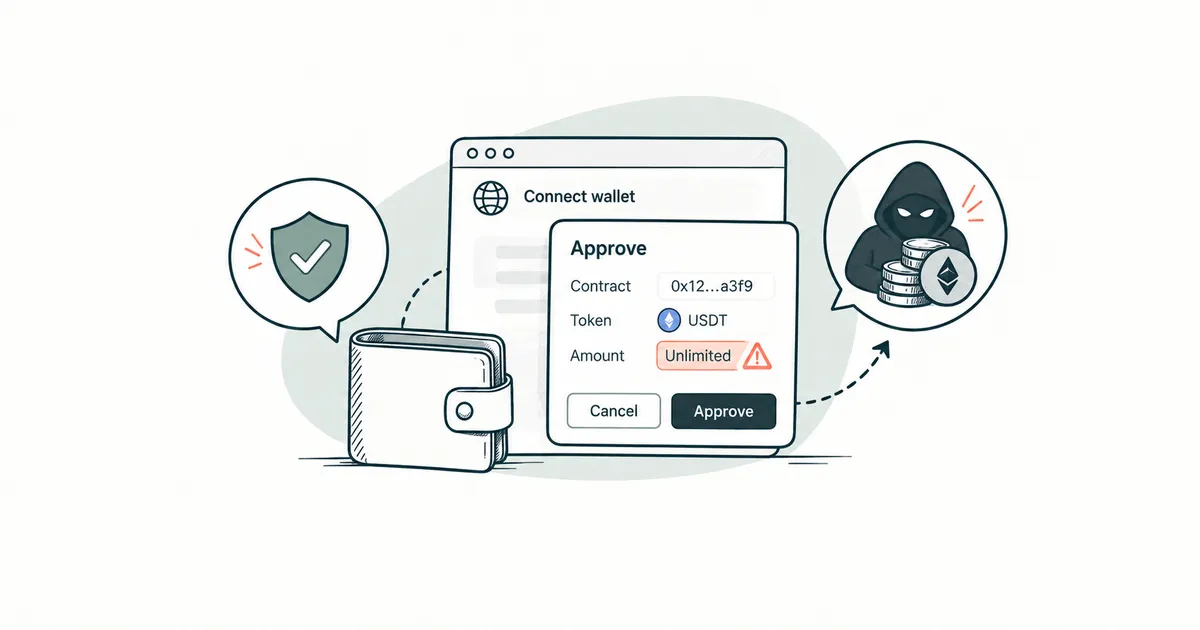
- Confirm the operations in your wallet. First comes an approve permission, so that the ENS smart contract can take the stablecoin. The article staying safe when connecting a crypto wallet covers what to check in such a window. Then you send a request for the name, wait 60 seconds and confirm the registration itself. The request usually stays valid for a day, and until the registration is complete, the name is not yours1. The ENS app can combine these steps into a single action2.
- Open ENS Explorer, find the name, go to the Ownership tab and check that your address is listed as the owner6. The ENS app also offers notifications so you do not miss the end date2.
How to renew an ENS name
Renewal happens in the ENS app, and you pay the normal yearly price, with no premium1. Added time is always counted from the end of the term, even if you pay later. If a name expired 60 days ago and you renew it for 30 days, it will still be expired7.
Anyone can renew a name, and you stay the owner when they do8. That way you could, for example, pay for a relative's renewal without getting any access to the name.
After the term ends, a name goes through two stages.
- A grace period of 28 days. During this time the name does not work, yet anyone can renew it, and nobody else can register it for themselves8.
- For the next 21 days anyone can take the name by paying a premium that shrinks every day down to zero. If nobody wants it, the name becomes available at the normal price4.
What happens to crypto sent to an expired ENS name?
After expiry, the name no longer leads to your address, so the sender's wallet cannot find the recipient and a transfer to that name will not go through8. When the name becomes free, someone else can register it9 and point it at their own address, and then transfers to that name will go to them. If you do not plan to renew a name, give the people who pay you your ordinary address in good time.
Can you get a .eth name back if someone else has already registered it?
No. Nobody, ENS included, can revoke a .eth name or take it away from its owner96. Your only option is to come to an agreement with the owner, and do not pay anyone who promises to "get the name back" for a fee.
How do you transfer or give a .eth name to someone else?
You transfer a name in the ENS Explorer10:
- On the Records tab, remove any records you do not want to leave to the new owner, such as your address.
- On the Ownership tab, choose Transfer and enter the recipient's address or name, checking where it leads.
- Decide whether the name should stop leading to your address right away. If so, detach the record, which the app calls the resolver. If not, the name will keep leading to your address until the new owner changes the records.
- Approve each step in your wallet; every one costs a network fee in ETH.
A transfer cannot be undone, and only the recipient can give the name back. A name in its grace period cannot be transferred and has to be renewed first10. When a name is sold, it passes to the buyer through the same transfer.
Risks and safety when registering an ENS name
ENS brings names to a single standard form and filters out some fake characters, such as invisible symbols and lookalike letters from other alphabets11. Names that differ from real ones by a single ordinary letter still exist, so check the spelling of your name letter by letter before you register. How scammers use lookalike names in transfers is covered in the ENS profile and in the article phishing and scams.
ENS never asks for your seed phrase or private key6. Keep a valuable name in a wallet that you never connect to websites. Your everyday wallet then gets only the rights it needs to manage the name, which ENS calls roles6.
Who an ENS name registration suits
An ENS name is convenient for people who regularly receive crypto on Ethereum and compatible networks and want to give senders a short name instead of a long address. It suits people less if they are not ready to keep track of the term and renew the name, because without renewal it will pass to another owner sooner or later.
Where to check current ENS name details
The ENS app shows prices, accepted tokens and the cost of renewal.
You can check a name's owner, its end date and its linked records in the ENS Explorer.
More detail on the ENSv2 launch and the rules for older names
Together with ENSv2 on the Ethereum mainnet, a new ENS app and a new ENS Explorer appeared on 27 October 20262. The launch was approved by a vote of ENS token holders in the ENS DAO, the community that governs the protocol12. The old ENSv1 registrar no longer accepts new names3.
A name that stays on ENSv1 has a 90-day grace period, during which it keeps working, so transfers to it still reach the owner. The premium period after the grace period is the same 21 days8. Such a name is renewed through a separate smart contract for older names3. When a name moves to ENSv2, its grace period shrinks from 90 to 28 days, and 62 days are added to its term8.
At launch the ENSv2 smart contracts accept USDC and DAI, while the ENS app accepts USDC on the Ethereum network and on layer-2 networks, separate networks on top of Ethereum where transfers are cheaper1.
Inside a name you can create subnames such as pay.alice.eth, and the rules for them are set by the owner of the main, parent name9. Names are brought to a single form under the ENSIP-15 standard11.
Frequently asked questions
- I have a name registered before 27 October 2026. What should I do with it? Nothing urgent: the name keeps working, and you do not need to register it again. You can move it to ENSv2 in the ENS app whenever it suits you, and as of 30.10.2026 there is no deadline for this23. The move takes nothing away from you. The grace period gets shorter, but the term itself is extended by the same amount, so the day the name becomes free stays the same8.
- What should I do if the wallet holding my .eth name has been hacked? Stop using that wallet and set up a new one, preferably on a different device. While the name still belongs to the hacked wallet, transfer it to the new address using ENS Explorer. Then, from the new wallet, remove the old wallet's rights and set up the address and primary name again6.
- Can a name belong to one address and receive crypto at another? Yes. A name can be owned by one address and lead to a different one9. That way a valuable name sits in a separate storage wallet while payments arrive in your everyday one.
- How do I check who owns an ENS name? Search for the name in ENS Explorer without connecting a wallet and open the Ownership tab6. The same place shows the date the name is paid up to.