What is a seed phrase?
A seed phrase in plain words
When you create a crypto wallet in a phone app or on a separate device, it shows you a set of simple words, usually in English, and asks you to write them down in order. It looks like this: "lemon guitar harvest ocean pilot rubber shadow tiger velvet window arctic garden". This is a made-up example with a mistake in the last word, and a wallet will reject it.
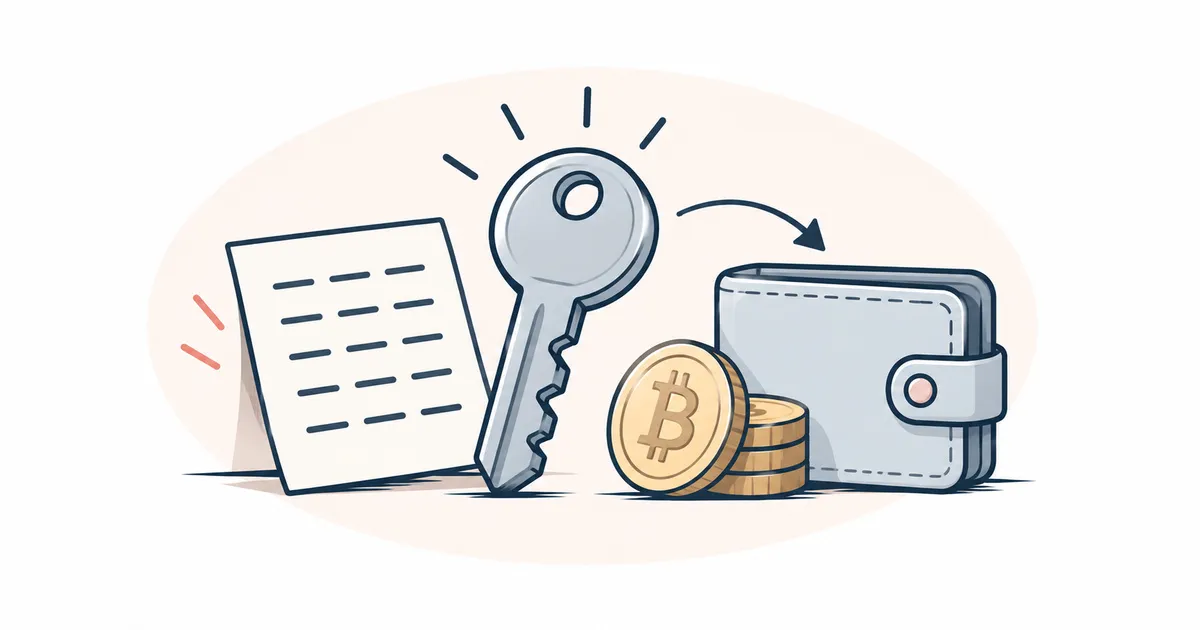
A seed phrase is like a recipe. With the same recipe, the same cake can be baked in another kitchen. The wallet app is the kitchen, and the cake is access to your crypto. If the kitchen burns down, meaning your phone breaks or gets lost, you still have the recipe, and a new kitchen will produce the same cake. If a stranger copies the recipe, they can bake the same cake at home and do not need your kitchen for it.
The crypto itself is kept on the blockchain, the shared record of transfers, and the wallet holds the keys, that is, the secret codes it uses to approve your transfers. From one seed phrase the wallet calculates many keys and addresses at once, the numbers of your "accounts" on the network1, including for different networks such as Bitcoin and Ethereum2. That is why one phrase opens all the crypto in the wallet, at all its addresses and on every network the wallet supports. The article what is a private key explains how an address is made from a key.
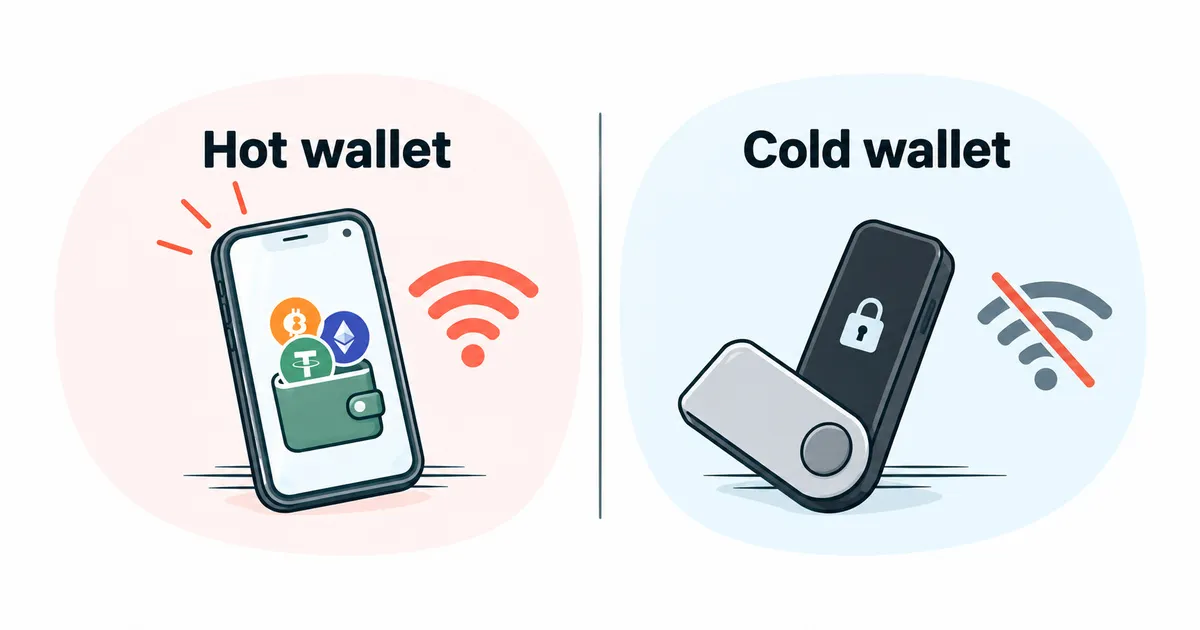
The app password opens the wallet only on that device, while the seed phrase gives full access to the wallet on another device too, as long as the app there understands this kind of phrase. The developer usually cannot restore the wallet for you; MetaMask, for example, does not3.
Not every wallet has a seed phrase. Some wallets are built as a program inside the network (a smart contract) and restore access through backup keys, which can be kept on different devices or given to trusted people4. An exchange account has no seed phrase of its own either, because the exchange holds the keys.
How to restore a wallet from a seed phrase
- Install the wallet from the official app store or from the maker's website, after checking the site address. The article how to choose a crypto wallet helps you decide which wallet to pick.
- In the app, choose "Restore wallet" or "Import". The "Create new" option will give you a different phrase and an empty wallet.
- Enter the words in order, directly in the app or on the device screen. If you set an extra word for the phrase (a passphrase), enter that too.
- Check that the addresses and balances match the old ones.
You do not need to transfer the crypto anywhere, since it will appear in the restored wallet by itself. If you got a word wrong or swapped two words, the wallet will usually tell you the phrase is invalid.
Will a seed phrase from one wallet work in another app?
Usually yes, if both wallets follow the common BIP-39 standard and support the networks you need. The words for such phrases come from one shared list, so a phrase from a Trezor device, for example, can be entered into any wallet that supports this standard5. There are exceptions: some wallets create phrases under their own scheme, and another wallet will not understand them.
If the phrase is accepted but the wallet looks empty, do not panic and do not enter the phrase anywhere else. Usually the new wallet is simply showing different addresses from the same phrase, or a passphrase was set for the phrase6. Find the address type in the recovery settings and choose the same one your old wallet used. If the wallet had a passphrase, you need exactly the same passphrase. If that does not help, contact the wallet's support through the app itself, without ever giving them the phrase.
What is a passphrase for a seed phrase
A passphrase passphrase is an optional extra word or phrase that you set yourself. With it, the same seed phrase opens a different, separate wallet. The wallet will not warn you about a wrong passphrase, because under the standard any passphrase produces a working wallet7. A typo opens another wallet, most likely an empty one, and a forgotten passphrase cannot be recovered by anyone, so access to the wallet is lost with it. This feature is meant for experienced users, and it is better left off until you understand the risks8. If you do set one, keep the written passphrase apart from the seed phrase.
How to store a seed phrase
Write the seed phrase down by hand as soon as you create the wallet:
- write the words in order, numbered and legibly, then check each word against what the wallet showed;
- keep the record where you keep important documents, and do not tell anyone where it is;
- make a second copy and put it in another place, so the phrase survives a fire, a theft or a move. Each copy is one more place where the phrase can be found, though, so keep the number of copies small.
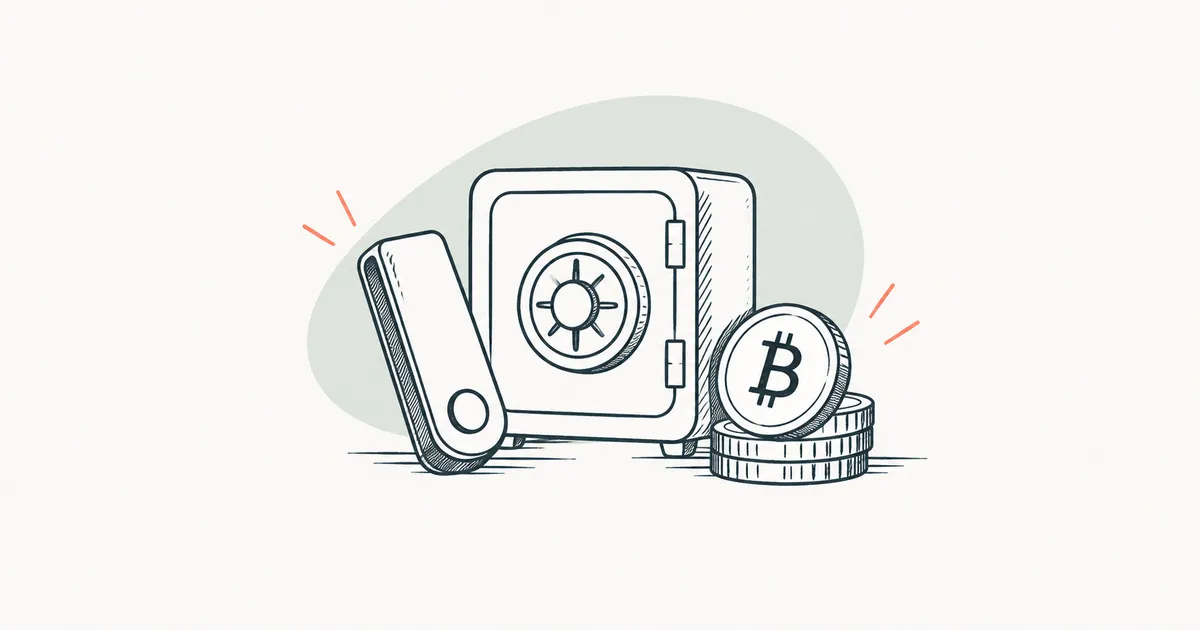
Paper is vulnerable to fire and water, so the phrase is also recorded on a metal plate, where the words are stamped or assembled from letters. A plate does not always survive either: in fire tests published in 2018, some plates lost letters and others came through intact9.
| Paper | Metal | Phone or cloud | |
|---|---|---|---|
| Can be stolen over the internet? | no | no | yes |
| Survives a house fire? | no | varies1 | varies |
| Lost along with a phone or account? | no | no | varies |
- Depends on the plate and on how the letters are applied. ↩
Can you keep a seed phrase in the cloud or as a photo on your phone?
No, this is dangerous: programs that hunt for such pictures have already been found in official app stores. In February 2025, Kaspersky reported the SparkCat malware in apps on the App Store and Google Play. The malware read text in photos in the phone's gallery and looked for crypto wallet recovery phrases, and the infected apps had been downloaded from Google Play more than 242,000 times10. Notes, email and messages to yourself are just as open to programs on the phone and to anyone who has hacked the account. If the phrase has already been stored there, act as you would after a leak.
What to do if your seed phrase has leaked or been lost
What to do if someone has seen your seed phrase
Treat the phrase as leaked if a stranger has seen it, if you entered it on a website, or if it was kept in a photo, in the cloud or in a chat. A wallet's seed phrase cannot be changed, because a different phrase gives a different wallet with different addresses7. So the crypto is moved instead:
- Create a new wallet, preferably on a device that has nothing to do with the leak, and write its new seed phrase down on paper.
- Transfer all the crypto from every network to the new addresses, starting with the largest amounts. On each network a transfer usually needs that network's coin, that is, its own crypto used to pay the fee. The article about the network fee explains how to lower the fee or pay it in the token itself.
- Stop using the old wallet and do not accept new transfers to its addresses.
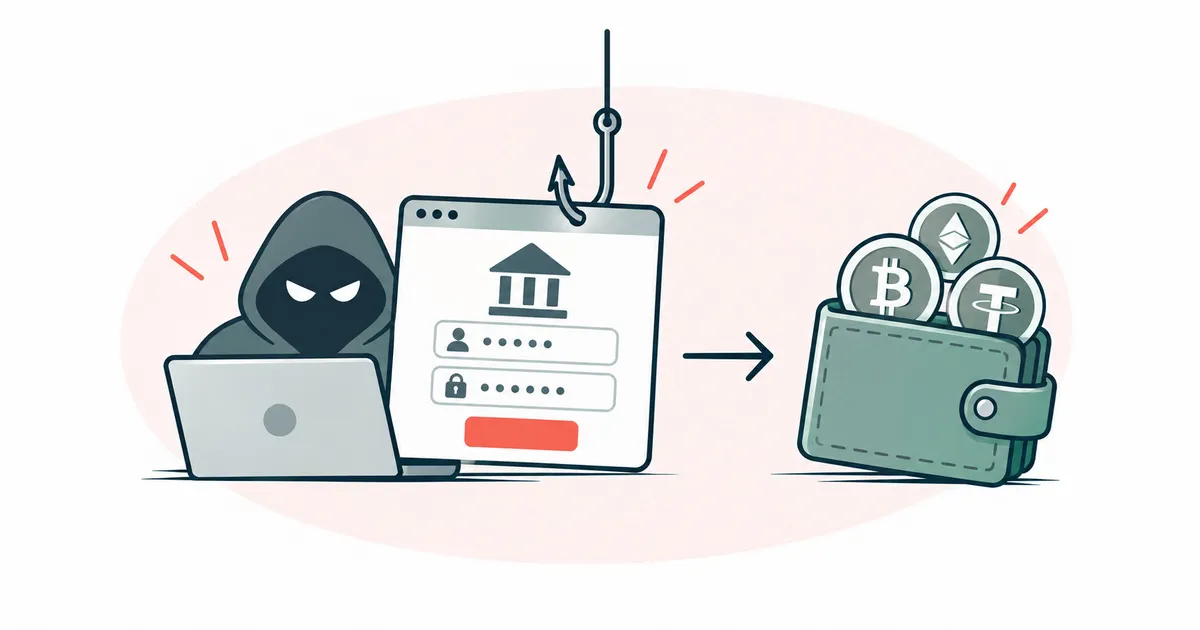
Anyone who knows the phrase can take the crypto at any moment, so start the move right away. If part of the crypto has already been taken, see phishing and scams for what to do next.
Can you restore a wallet without the seed phrase?
Usually not, unless you set up another recovery method in advance that your wallet offers.
While the wallet still opens on your phone or device, though, the crypto can be saved. Move it straight away, following the same steps as after a leak. If you have neither the phrase nor a working wallet, access to the crypto is lost for good4.
If your phone is lost or broken and you have the phrase on paper, restore the wallet from it on a new device. When there is a risk that a stranger could unlock the lost phone and open the wallet, move the crypto to a new seed phrase after restoring.
If you remember every word except one, the missing word can sometimes be found by trying words from the shared list, because a wallet usually rejects an invalid phrase. Do this only yourself, on your own device with no internet connection. Never send the words you remember to "recovery services" that ask for them.
More detail on where seed phrase words come from and why wallets can be incompatible
Many wallets create the seed phrase under the open BIP-39 standard BIP-39. The wallet takes a very large random number and cuts it into equal pieces. Each piece is the number of a word in a list of 2048 words, from 0 to 2047, and this is how the number turns into words7. A long number is hard to copy without a mistake, while words are easy to copy.
The standard allows phrases of 12, 15, 18, 21 and 24 words. The longer the phrase, the larger the random number it comes from7. MetaMask, for example, gives a 12-word phrase3, and Ledger wallets use a 24-word phrase11.
The last word partly works as a check, because it encodes a small piece calculated from the other words. A wallet that follows BIP-39 therefore usually notices a wrong or swapped word. The first four letters of every word in the list are unique, so a badly written word can be recognised by its beginning7.
The Electrum wallet creates phrases under its own scheme, without BIP-3912, and a wallet built for BIP-39 may not accept such a phrase. Different addresses after recovery usually mean a different key derivation path derivation path, that is, the rule by which the wallet chooses which addresses from the phrase to show. In the settings it is called "address type" or "path".