Ledger — a review of the hardware wallet, its security and risks
How Ledger stores the key and signs a transfer
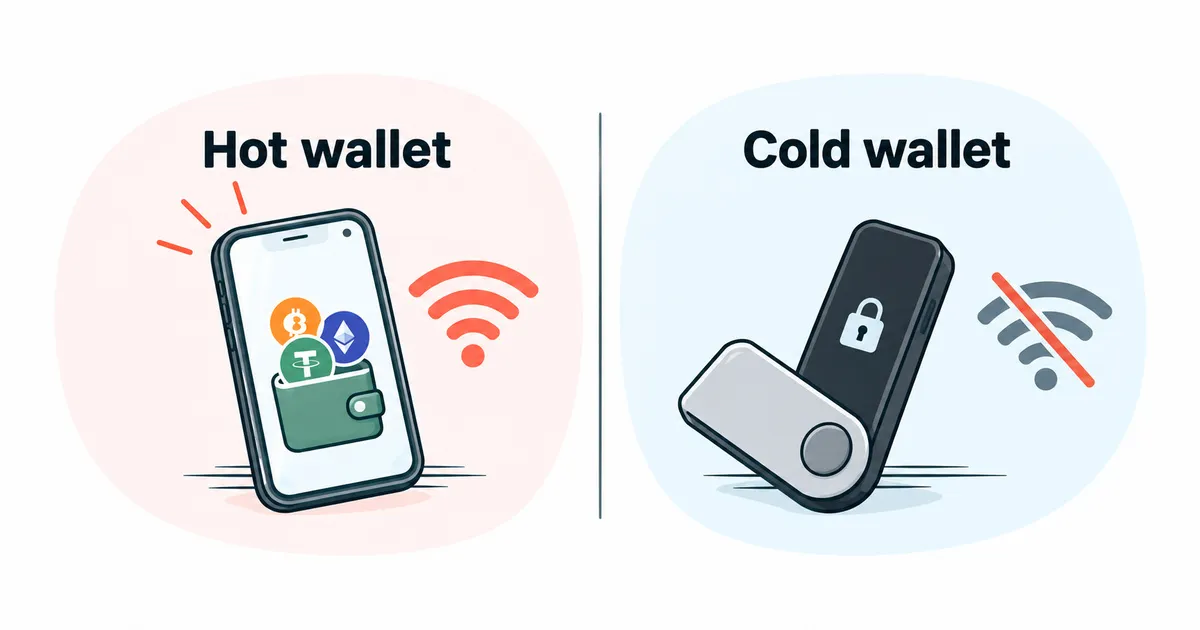
Your crypto is not stored on the Ledger device. It lives on the blockchain as a record, and the device holds the keys used to move it1. The app on your computer or phone puts the transfer together, and the device signs it, that is, approves it with the key, while the key stays inside. How this works in hardware wallets in general, and why a virus on your computer cannot reach the key, is explained in the article hot vs cold crypto wallet.
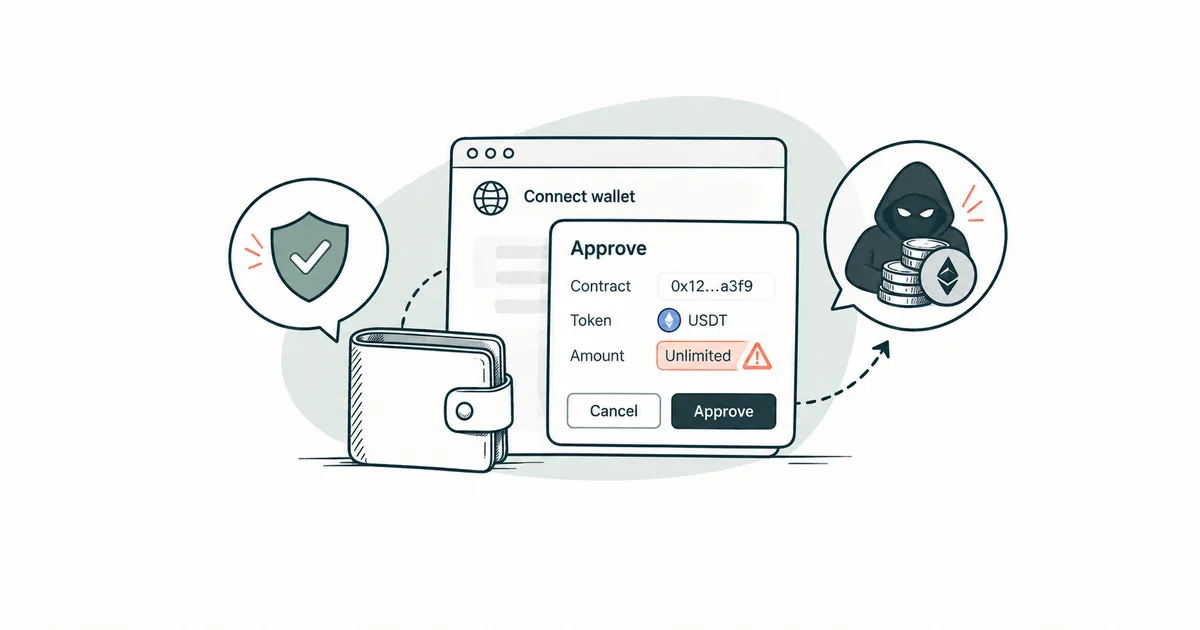
The signature protects you only as far as you read the device screen before approving. Ledger distinguishes clear signing clear signing, where the device shows the transfer in words and numbers, from blind signing blind signing, where you see only a string of characters, such as the transfer's number on the network (a hash). The company itself calls blind signing a significant vulnerability that scammers exploit2. It is like signing a contract that has only a document number printed where the text should be. If the device cannot show whom you are paying and how much, reject that transfer. What else to check when a website asks for a signature is covered in wallet connection safety.
How to set up a Ledger for the first time
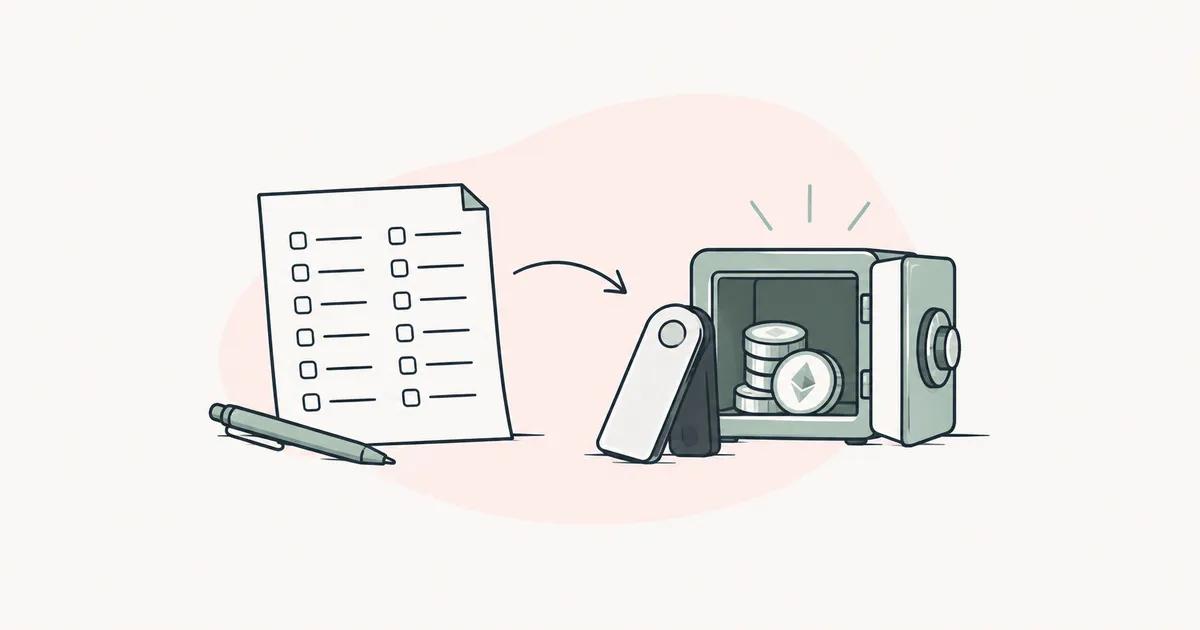
First inspect the box and the device. The article hot vs cold crypto wallet lists the signs of tampering to look for. Then follow the order in Ledger's first-setup guide3:
- Download the Ledger Wallet app only from the official website. Fake versions of the app look very convincing4. Type ledger.com yourself rather than using search results or links in emails.
- Turn on the device, connect it to the app and run Genuine Check, the authenticity check that confirms Ledger made the device.
- On the device screen, set a PIN code of 4 to 8 digits.
- Choose to set it up as a new device. Ledger generates your 24-word seed phrase and displays it only on its own screen.
- Write the words on the recovery sheets from the box, with nobody watching and away from the internet, then confirm them on the device. The phrase is never photographed or kept on a phone or in the cloud3.
- Follow the prompts in Ledger Wallet to update the device's software (firmware) and install an app for each cryptocurrency you need, for example Bitcoin or Ethereum.
The guide how to store crypto shows how to check that your written copy really restores the wallet and how to move crypto onto it from an exchange.
Where to buy a Ledger
Ledger recommends buying the device from Ledger itself or from authorized resellers, and it keeps an official list of them.
On online marketplaces the company asks for extra caution, because unauthorized sellers work there too, and it asks you to check who is named as the seller on the product page. Under its partner agreements, returned devices may not be resold. Ledger never sends a replacement you did not ask for, so an unexpected parcel "from Ledger" is a reason not to use the device inside5.
Genuine Check confirms that the device is authentic, but it does not always detect physical tampering with the hardware inside5. Where you buy therefore matters more than a passed check, as the case of the reseller CryptoBilis in October 2026 confirmed (see the section on incidents).
Can you buy a Ledger secondhand?
Buying a secondhand Ledger is a bad idea. The previous owner or a middleman could have opened the case or slipped in a card with a phrase written on it in advance. A genuine device never arrives with a ready-made seed phrase or PIN code, and a phrase that came in the box must never be used5. If you already have a secondhand device, keep no crypto on it until you buy a new one from an official seller.
Ledger's seed phrase, passphrase and backups
A Ledger seed phrase has 24 words, and all the wallet's keys are restored from it. The article what is a seed phrase covers what these words are and why nobody should ever see them. For Ledger the rule is simple: you enter the words only on the device itself, and neither the company nor its support team will ever ask for them4.
A passphrase passphrase is an extra word that you make up yourself. Together with the 24 words it opens a separate, hidden set of addresses, which starts out empty. Someone who has only the 24 words will see the ordinary addresses and cannot reach the hidden ones. Think of a safe with two compartments: one key opens the main one, and the second also needs a code that only you know. Ledger does not store the passphrase anywhere, so a forgotten passphrase locks you out of the hidden addresses for good. The company calls it a feature for advanced users6. You do not need it to start, and if you are not sure you can write it down safely and separately from the 24 words, leave it off.
Besides the sheet with the 24 words, Ledger offers two optional backups. Ledger Recovery Key is a card with a secure chip that stores the seed phrase. It restores access if the device is lost or stolen1. To use it, you hold the card to the device and enter the card's PIN code3. In October 2025 Ledger announced that every box would include this card7.
What is Ledger Recover
Ledger Recover is an optional paid subscription. It can be switched on solely from the device, by entering your PIN and confirming. The device creates an encrypted copy of the seed phrase and splits it into three parts, held by three different companies. A single part restores nothing, and no company has the whole copy. You prove your identity with an ID document and a selfie when you sign up, and recovery requires two independent identity checks8 ⚖️. Which countries the service is available in, what it costs and how your documents are handled are set by its terms
⚖️.
The choice here is between two risks. Without Recover, access to your crypto rests only on your own written copy, and losing the device together with the sheet means losing everything. With Recover, a copy of the phrase exists outside your home, as encrypted parts held by three companies, and you can regain access after an identity check.
What to do if your Ledger breaks, gets lost or is stolen
Without the PIN code, a stranger cannot get into the device. After three wrong attempts it wipes all its data1. Your crypto on the blockchain does not disappear when that happens. What to do:
- Buy a new device directly from Ledger or from a reseller it has authorized.
- During setup, choose to restore instead of creating a new wallet, and enter your 24 words on the device screen. If you have a Recovery Key or a Recover subscription, restore through it.
- If you used a passphrase, enter it too, or the hidden addresses will not appear.
- If the device was stolen together with its PIN code, or you are not sure that nobody saw the 24 words, create a new wallet with a fresh seed phrase and move all your crypto there. The article hot vs cold crypto wallet explains why.
If you have neither the device, nor the 24 words, nor a backup through Recovery Key or Recover, the crypto cannot be recovered1. Do not pay anyone who promises to recover it for a fee.
Fees when using Ledger
What you pay with Ledger is made up of several parts, and each one shows up in its own place. You buy the device once.
Every transfer costs a network fee, the payment for the network to record your transfer. The article what is gas explains this charge.
Buying, selling and swapping crypto in Ledger Wallet are handled by third-party providers. Ledger charges nothing for the buy feature itself. Fees and availability depend on the provider, the amount and the country9.
The Ledger Recover subscription is paid separately.
Ledger incidents
Ledger customer data has leaked several times. In 2020 a customer database was stolen with email addresses, and for some people also names, home addresses and phone numbers1011. In January 2026 names, contact details and order information leaked from the company that takes payments for Ledger12. Keys and the 24 words were not part of these leaks, yet buyers' names and addresses became material for scammers.
In December 2023 malicious code got into the software that websites use to connect Ledger wallets. For less than two hours those sites showed fake signature requests, and people who approved them lost crypto13.
In October 2026 Ledger reported that an unauthorized electronic implant had been found in one victim's device. All confirmed cases involve devices sold through CryptoBilis in Southeast Asia. Ledger said it sees no sign that its own infrastructure was compromised, and warned that Genuine Check cannot detect such physical modifications. The company advises anyone who bought a device from this reseller in the last 90 days not to set it up. If the device is already set up, Ledger advises moving the crypto to a new device with a new seed phrase. As of 30.10.2026, sales by several resellers in Asia are suspended and the investigation is ongoing14.
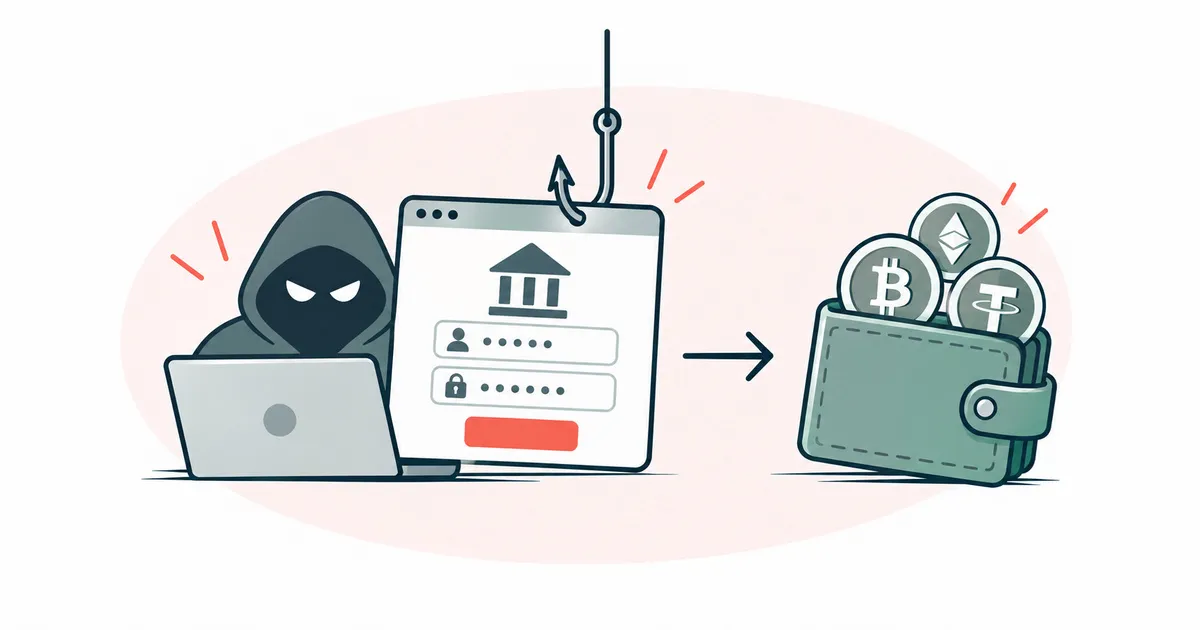
Since the leaks, scammers have been emailing and calling in Ledger's name and sending paper letters with a QR code4. Ledger does not ask anyone to scan QR codes or to open websites through links in letters12. How to recognize such letters and lookalike websites is covered in the article phishing and scams.
Who Ledger suits and who it does not
No wallet suits everyone; the choice depends on what you need it for. Ledger is convenient if you put crypto aside for a long time, move it rarely and are ready to keep the device and the written 24 words in different places. For frequent small payments from a phone it is awkward, because every transfer has to be approved on a separate device. Without a backup, Ledger will not suit someone who is not ready to take care of the written seed phrase either, because nobody can restore access for you. The hub how to choose a crypto wallet helps you compare Ledger with other wallets on the same points.
More detail on the passphrase, Ledger Recover and incidents
There are two ways to turn on a passphrase. You can attach it to a second PIN code and choose which of the two PINs to enter when you switch the device on, or you can type it in by hand each time, and then it stays active only while the device is on6.
The parts of the Ledger Recover copy are held by Coincover, Ledger and Escrowtech, and the identity check at sign-up is done by the service Onfido8.
In 2020 an outsider got into the database of Ledger's online store and mailing list through an access key to its programming interface (API). It held mostly email addresses, about a million of them. According to Ledger, payment data, passwords, devices and crypto were not affected10. On 20 December 2020 the whole database was posted on a forum, and it contained about 272,000 records with a name, home address and phone number11.
The attack of 14 December 2023 hit the Ledger Connect Kit library. The attacker phished access from a former employee whose account had not been disabled in time. The attacker had no access to Ledger's infrastructure or code13.
The January 2026 leak happened at Global-e, the company through which Ledger accepts payment in local currencies. According to the companies, passwords, the 24 words and financial data were not affected12.
Since October 2025 Ledger has called its devices signers, that is, "signing devices"7.