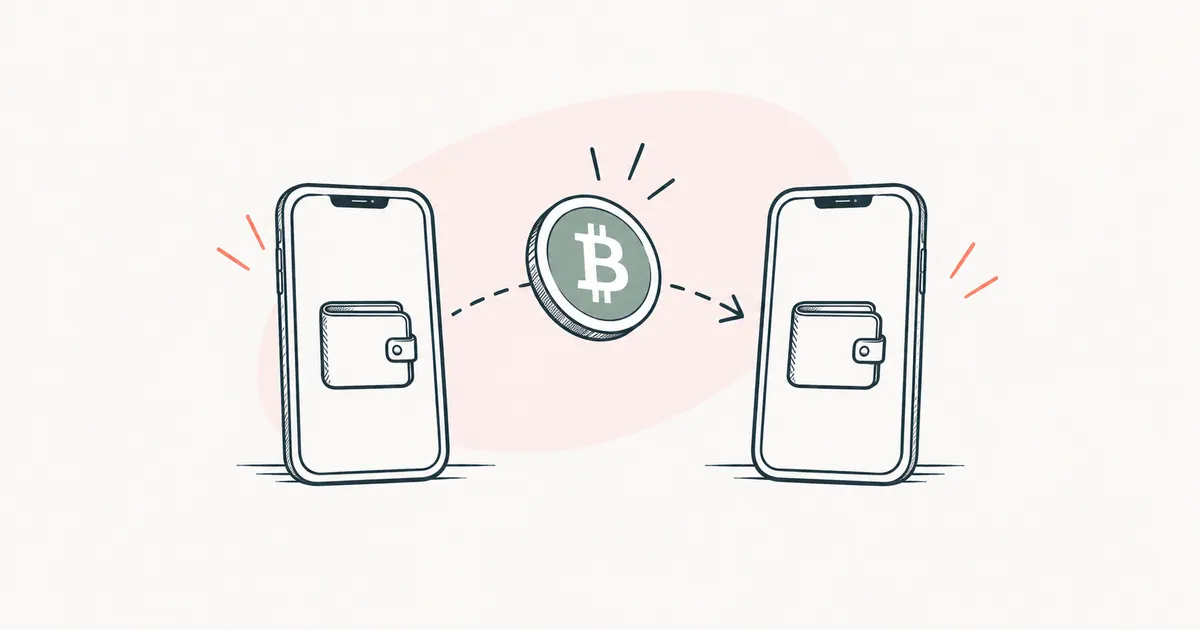
What EVM is, and why you have the same address on Ethereum, BNB Chain and Polygon
EVM in plain words
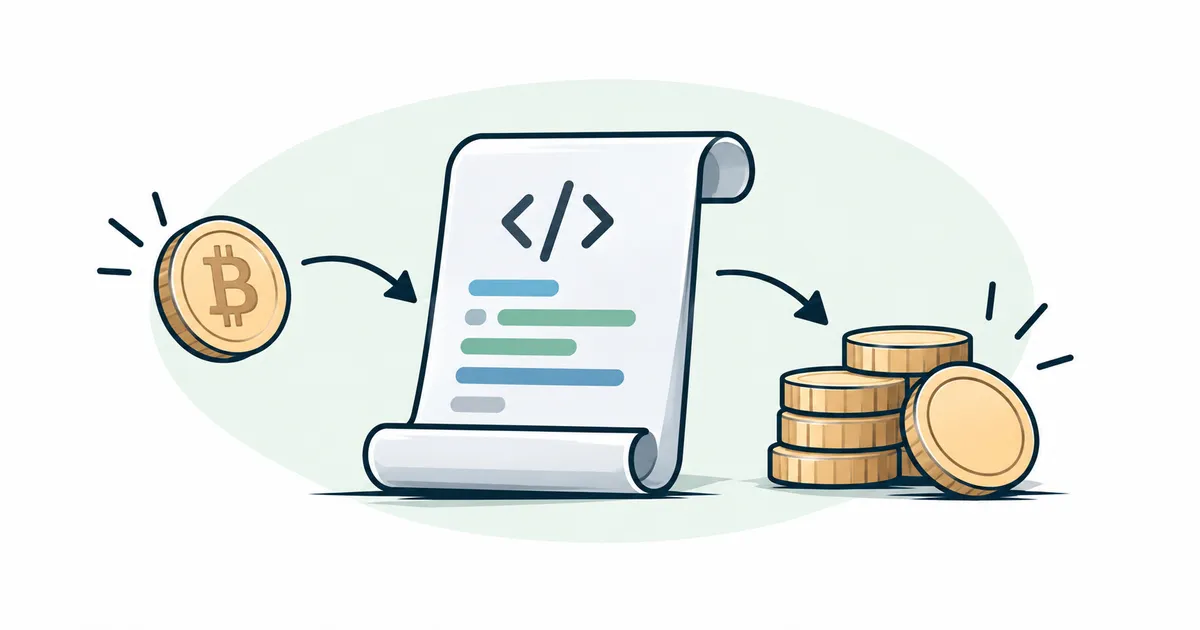
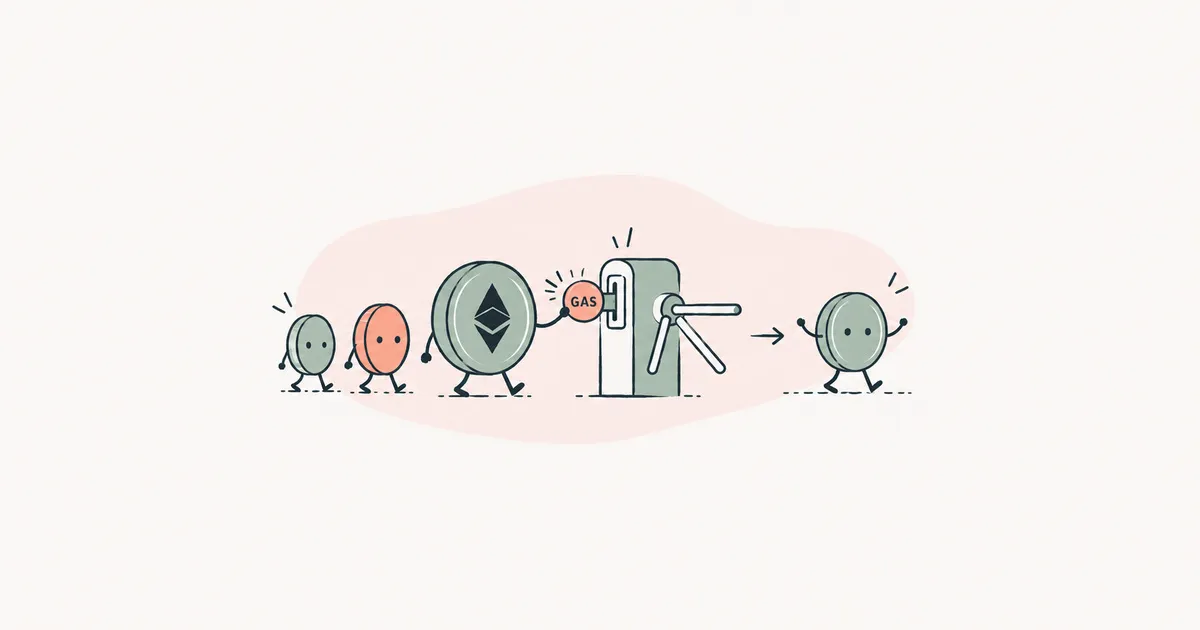
Every computer in the Ethereum network runs a smart contract in its own copy of the EVM, and given the same data, every computer gets the same result1. The EVM's work is paid for with a network fee, the payment for the network to carry out and record your operation. On Ethereum this fee is called gas, and how it works is explained in what is gas.
Think of a games console. A game is released once, and it plays the same way on any console of that model. EVM is that kind of console for smart contracts. A token (crypto issued on top of someone else's network) or a swap service is written for it once and then works on any network where the EVM is installed.
Why you have one address on every EVM network
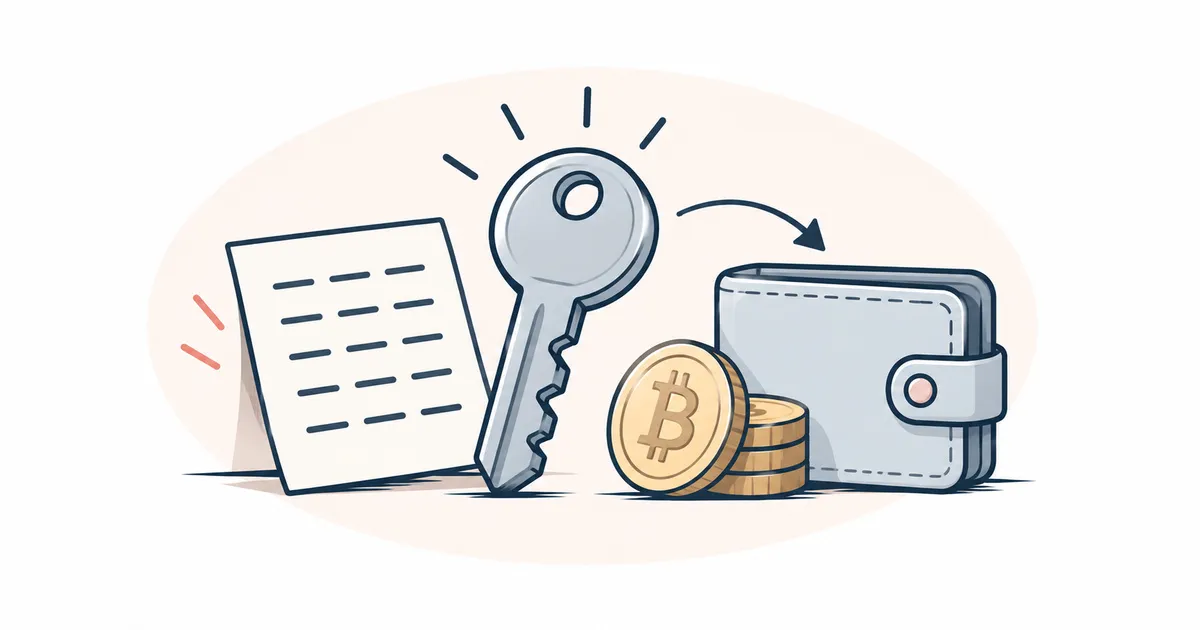
A private key is the secret code your wallet (the app that stores it) uses to approve your transfers. Your address is derived from the key by a formula that is identical on all EVM networks. So one seed phrase, the 12 or 24 words from which a wallet restores your keys, gives the same address on all EVM networks2. The article what is a private key explains how the key and the address are connected.
The balances differ, though, because each network keeps its own ledger of what sits at the address. Picture the same apartment number in several buildings on different streets. The number is shared, the apartments are different, and things from the apartment in one building do not turn up in another. USDC on the Base network and USDC on the Polygon network at one address are two separate balances, and your wallet shows the balance of whichever network is selected in it. If you see zero where you expected tokens, check the selected network first.
What happens if you send a token to the wrong EVM network
When networks are built differently, the transfer form usually catches the mistake: a Tron address starts with "T" and will not fit the field for the Ethereum network. EVM networks have no such protection. A "0x…" address is valid for any of them. So the exchange or wallet will send the token on the network you picked from the list, even if the recipient was expecting it on another one.
Say you need to send USDC, Circle's digital dollar, to someone who gave you a "0x…" address and is waiting for the transfer on the Base network. When withdrawing from an exchange you see a list of networks for USDC, you are in a hurry, and you pick Polygon. Circle issues USDC on both networks3, so nothing rejects the transfer at any step, and your history shows "completed". The USDC is at the recipient's address on the Polygon network, while they are looking at that same address on Base and seeing zero. What happens next depends on who holds the key to that address.
If the address is in an ordinary wallet
If a person holds the key, the tokens are not lost. The owner just switches the wallet to the network the transfer went to, and the tokens will be there2. If the wallet does not have that network, it can be added after checking the network's details on the Chainlist website (more on it below). To send the tokens on, a little of that network's coin will be needed, its own cryptocurrency for paying the fee. On Polygon PoS that coin is POL. Such a mistake costs you time and a fee.
If the address belongs to an exchange or a swap service
A deposit address deposit address is issued by the exchange itself, and the exchange holds its key. If the exchange expected USDC on Base and it arrived on Polygon, its system may not credit the deposit. You cannot do anything with it yourself. What remains is to write to its support team. Kraken, for example, asks for the transaction hash, the name of the cryptocurrency and the amount, the deposit address, and the date and time of the transfer. Kraken also warns that not every misdirected deposit can be recovered4. The exchange may charge for the recovery.
A transaction hash transaction hash is the transfer's number on the network. It is shown by a block explorer, a website where you can see, by address or by transfer number, whether a transfer arrived. Open the explorer of the network the transfer actually went to.
Which networks are EVM-compatible
A network is called EVM-compatible, or an EVM network EVM network, when it runs the same EVM and programs written for Ethereum run there without changes. Besides Ethereum, these include BNB Chain5, Polygon PoS and the C-Chain of the Avalanche network6. The full name of BNB Chain is BNB Smart Chain, and exchanges also label it BSC. Layer-2 networks belong here too, separate networks on top of Ethereum where transfers are cheaper and the results are written to Ethereum. Examples are Arbitrum7, OP Mainnet8 and Base9.
Which coin pays the fee on some EVM networks
| Network | Coin for the fee |
|---|---|
| Ethereum | ETH |
| BNB Chain | BNB |
| Polygon PoS | POL |
| Avalanche C-Chain | AVAX |
| Base | ETH |
On Ethereum the fee is paid in ETH10, on BNB Chain in BNB5, on Avalanche in AVAX6, and on Base in ETH9. So ETH at your address on Ethereum will not help you send a token on BNB Chain. On some networks, certain wallets let you pay the fee in the token itself; see the article on network fees.
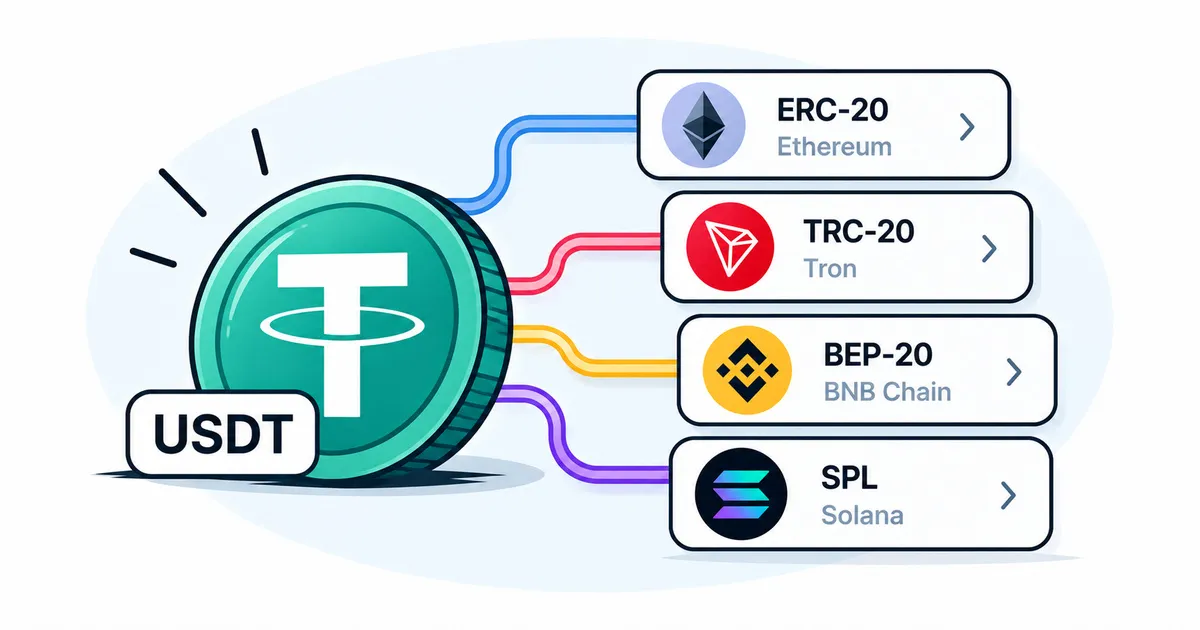
Tokens on EVM networks are usually issued under the same rules as on Ethereum. On BNB Chain, for example, the BEP-20 standard is an extension of Ethereum's ERC-20 standard11, and what these names mean when you send a transfer is explained in token standards.
Bitcoin and Solana are not EVM networks; they have their own rules and their own address format.
How does an EVM address differ from a Solana or Tron address?
An EVM address starts with "0x", followed by 40 characters: digits and the Latin letters a to f12. A Solana address is a long string with no "0x"13. A Tron address has 34 characters, and the first one is the letter "T"14. That is why an EVM address cannot be given for a transfer on Solana or Tron, and the other way round.
Where can I find a list of EVM-compatible networks?
The list of EVM networks is kept by the Chainlist website. Each network there has its own number, the chain ID chain ID, and a wallet uses this number to tell one EVM network from another15.
If a website offers to add a new network to your wallet, check its name and number against Chainlist, because a website can slip you a fake network. A network that is missing from Chainlist is either brand new or questionable16.
What is an EVM wallet?
An EVM wallet is a wallet for EVM networks. Under one address it shows your balances on all the EVM networks added to it, sends crypto on them and connects to websites built on smart contracts. MetaMask, for example, works this way2. The word "EVM" in a wallet's description only tells you which networks it works with; it says nothing about how reliable it is. How to choose a wallet is covered in how to choose a crypto wallet.
What EVM compatibility does not guarantee
A shared EVM makes networks look alike to programs and wallets, while each network has its own reliability. Layer-2 networks write their data to the main Ethereum network8. BNB Chain and Avalanche run independently and rely only on their own participants. Before you keep a noticeable sum on an unfamiliar EVM network, look at who runs it and whether it has ever halted. The fact that your wallet connected to it is not enough to go on.
A token with a familiar name on another EVM network may also turn out to be issued by someone other than you expect. As of 30.10.2026, Tether's official list of USDT networks includes neither BNB Chain nor Polygon17
, and what that means for a holder is explained in the USDT profile.
More detail on network numbers and how an address is built
The network number (chain ID) of Ethereum is 1, of BNB Chain 56, of Polygon PoS 137, of Arbitrum One 42161, and of Base 845315.
On Ethereum, an address is the last 20 bytes of the hash of the public key, with the prefix "0x"12. A Solana address is the 32-byte public key itself13.
Until 4 September 2024 the Polygon PoS coin was called MATIC; after that date POL replaced it18.